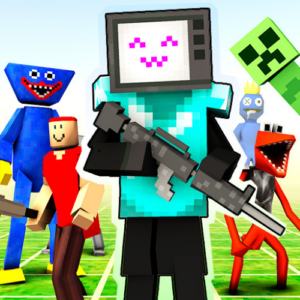
Who Will Win Create a Battle
🎮 How to Play
Step 1 — Pick Your Battlefield and Faction: When you open the master menu, choose your arena layout. Then, browse the faction tabs at the bottom—such as Medieval, Modern Military, Sci-Fi Tech, or Fantasy Beasts.
Step 2 — Tap and Drop Units Onto the Grid: Click on a warrior icon (like an Archer, a Robot Soldier, or a Giant Troll) and tap anywhere on the Red Side of the grid to place them. Switch to the opposite faction and drop their opponents onto the Blue Side. You can spawn rows of soldiers or create a lone mega-boss matchup!
Step 3 — Hit the "Start Battle" Button: Once your custom armies are neatly lined up, tap the big Play / Fight button. The grid lines will disappear, and the units will instantly come alive, utilizing their unique artificial intelligence (AI) behaviors to hunt down and attack the opposing team!
Step 4 — Watch the Results and Adjust: Track the remaining unit counters at the top of the screen to see which side is winning. Once a team is completely wiped out, check the victory banner! Tap the Reset looping arrow to clear the field, modify your unit placement, or start a completely brand-new experiment for free.